Cases
BostelCRM utilizes Cases to document customer interactions where they seek assistance or guidance, typically in sales or support functions. Users can create, update, assign, and close Cases as they work on them, while tracking incoming and outgoing communication threads at each stage. This ensures a comprehensive record of the Case's progress is maintained within the CRM. Additionally, Cases can be associated with specific records, such as Contacts.
Cases Actions
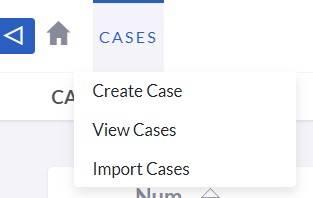
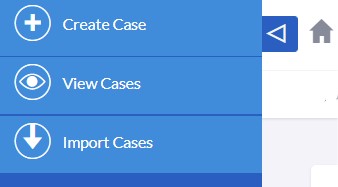
Users can access the Projects actions from the Projects module menu drop-down or via the Sidebar after clicking to view the module. The available Project actions are:
-
Create Cases
To create a new Account record, you can open a new form in Edit View.
-
View Cases
This action directs you to the List View of the Cases module, where you can search and view a list of Case records.
Create Cases
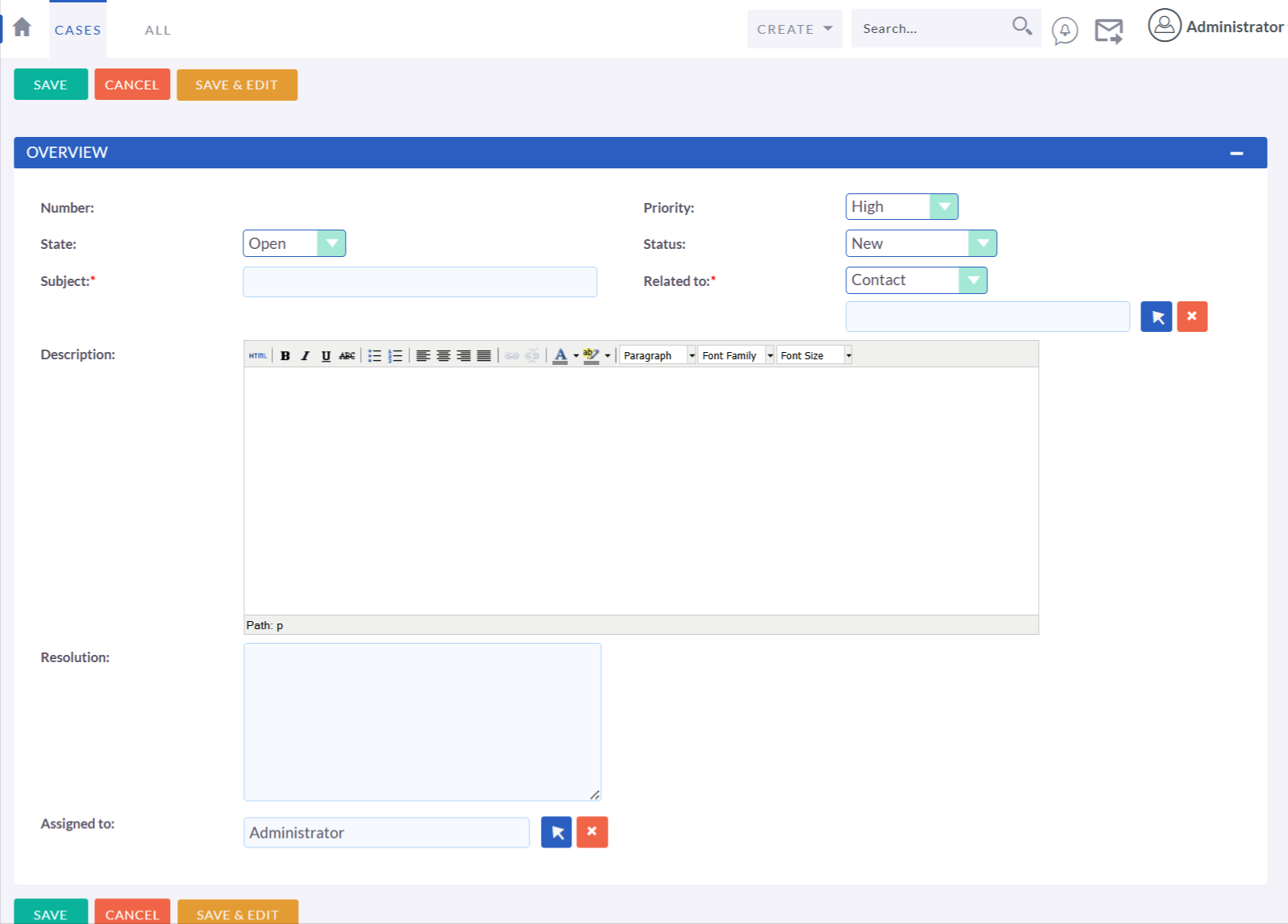
Creating Cases is a straightforward process, and most of the data fields are self-explanatory. The procedure is quite similar to creating a contact or lead, with the addition of fields specific to case management, such as priority, status, and resolution.
Cases Record Actions
When creating or editing a Case record, you have the following options:
-
Save
This button will save the case details and redirect you to the list view.
-
Save & Edit
This button will save the case details and keep you in the same record for further editing.
-
Cancel
This will discard any changes made and redirect you to the previous page.
Managing Cases
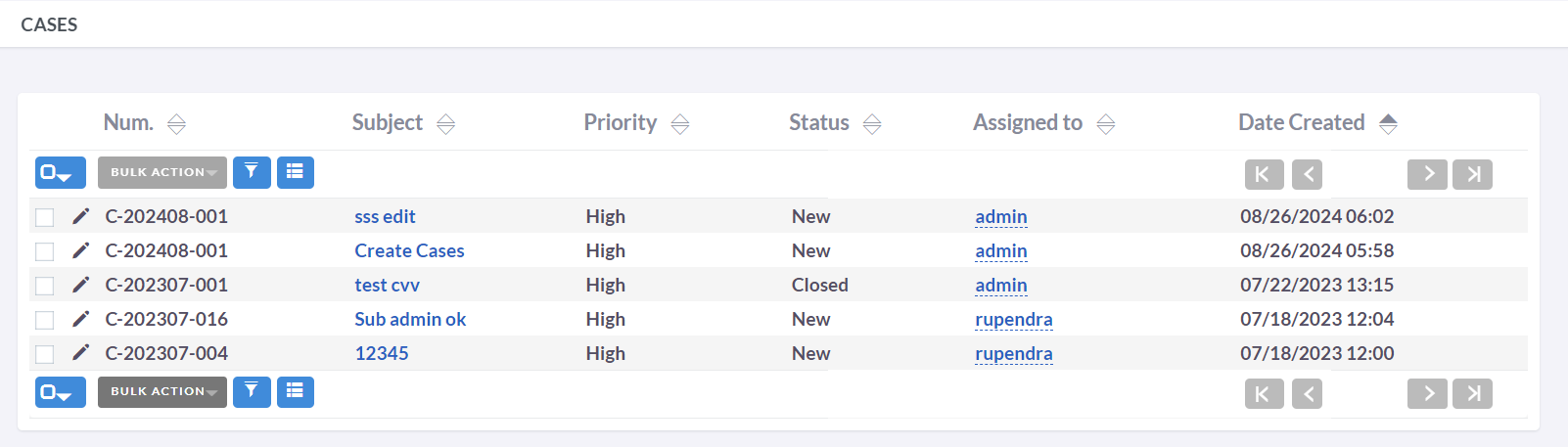
- Clicking on any sortable column title in the Cases List View allows you to sort records in ascending or descending order based on the selected column.
- Refer to the Search section of the user guide to search for a specific Case.
- To view the details of a Case, click on the Case Subject in the List View, which will open the record in Detail View.
- To edit the Case details, either click the Edit icon in the List View or click the edit button on the Detail View under the Actions tab, make the required changes, and click Save.
- To duplicate a Case, click the Duplicate button on the Detail View and then save the duplicate record.
- To merge duplicate Cases, select the records from the Cases List View, click the Merge link in the Actions drop-down list, and follow the merge process.
- To delete a Case, navigate to the Detail View and click the Delete button under the Actions tab.
- To track changes made to audited fields, you can click the View Change Log button under the Actions tab in the Case record's Detail View or Edit View.