Leads
BostelCRM defines a Lead as an unqualified contact that often results from a marketing-related event. For instance, it could be someone who completed a form on your website or someone you met at a trade show, but whose buying authority is yet to be determined. Once a Lead is qualified and converted, it can be separated into two parts: a Contact, once you have identified "Who" the person is, and an Opportunity, once you know "What" they might buy. You can find the Leads module either by selecting it from the Module List menu in the top navigation or by clicking the Leads button in the Bottom Navigation menu.
Leads Actions
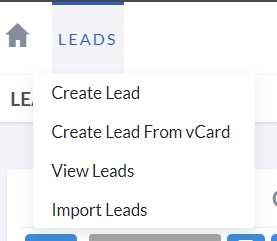
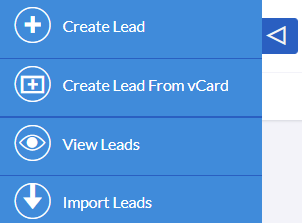
The Leads module menu drop-down or Sidebar, depending on your screen or device size, provides access to the various actions related to Leads. These actions are:
-
Create Lead
To create a new Account record, an Edit View opens up with a new form.
-
Create Lead from vCard
You will be redirected to the Import Wizard for the Leads module.
-
View Leads
You will be redirected to the List View of the Leads module, where you can search for and view a list of Lead records.
Create Leads
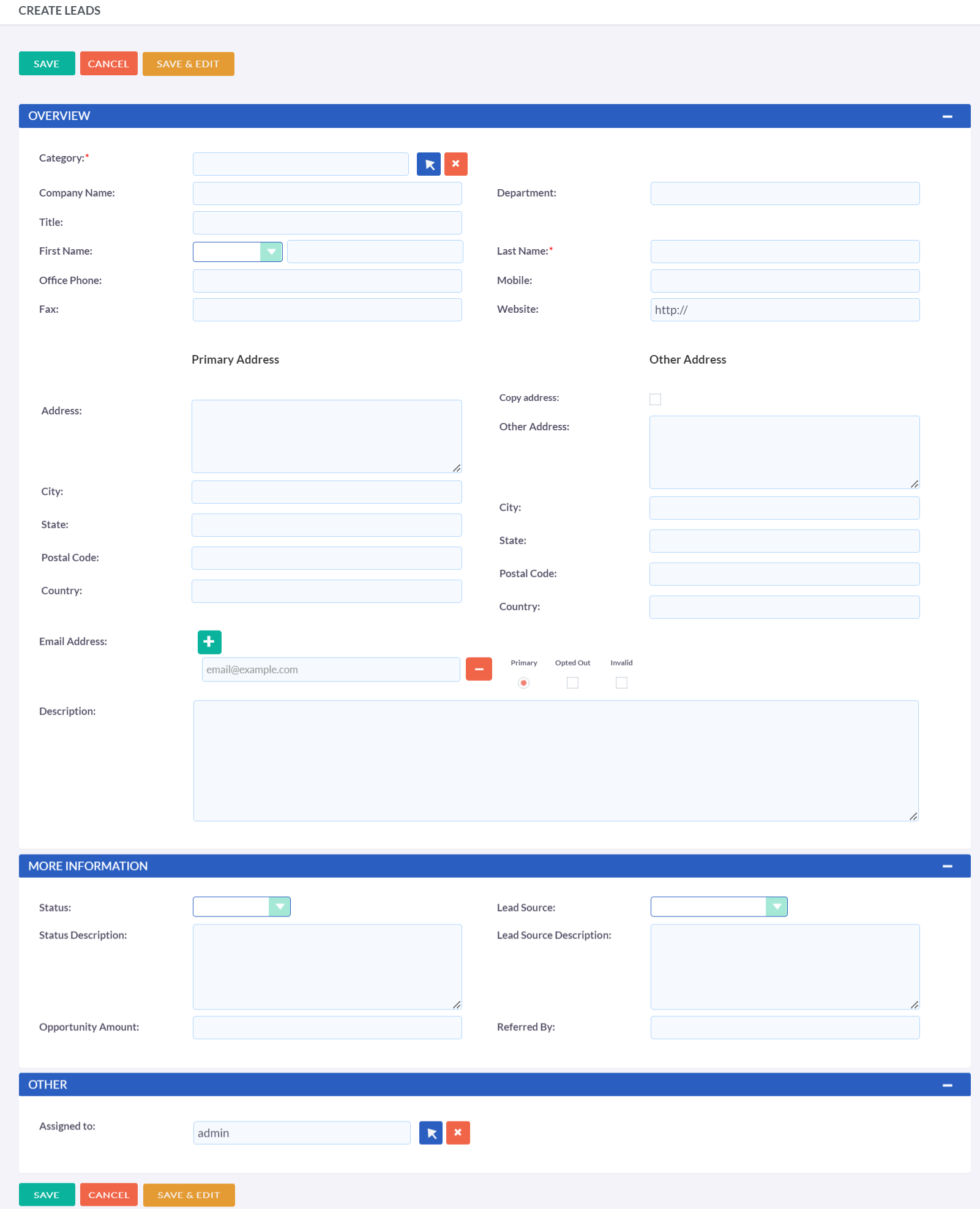
Creating Leads is a simple process, and the data fields should be self-explanatory. The procedure is quite similar to creating a contact, with the addition of a few extra fields for the lead's status and source.
Leads Record Actions
When creating or editing a Lead record, you have the following options:
-
Save
This button will save the data and redirect you to the list view.
-
Save & Edit
This button will save the data and keep you in the same record for further editing.
-
Cancel
This will discard any changes made and redirect you to the previous page.
Create Leads from vCard
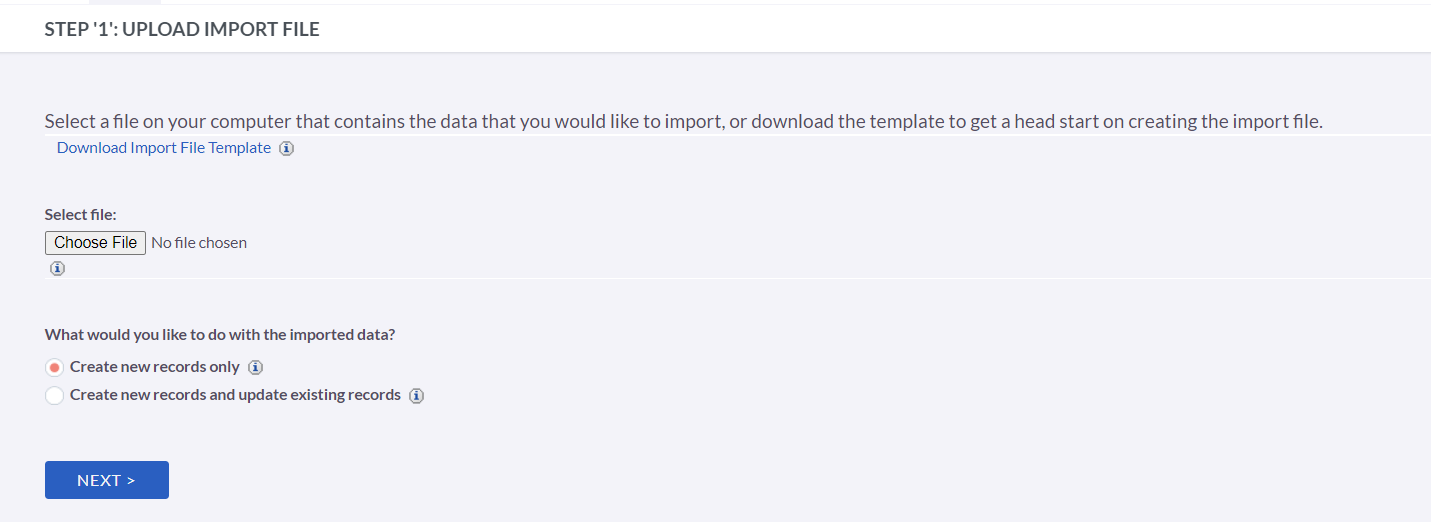
To create a lead from a vCard, first, select "Create Lead From vCard" from the list of actions for leads. This will redirect you to the Import vCard page. Once there, click on the "Choose File" button, which will open your system's file browser, allowing you to locate and select the desired .vcf vCard format file. After you have chosen the file, click the "Import vCard" button, and BostelCRM will create the lead using the data obtained from the vCard.
Managing Leads
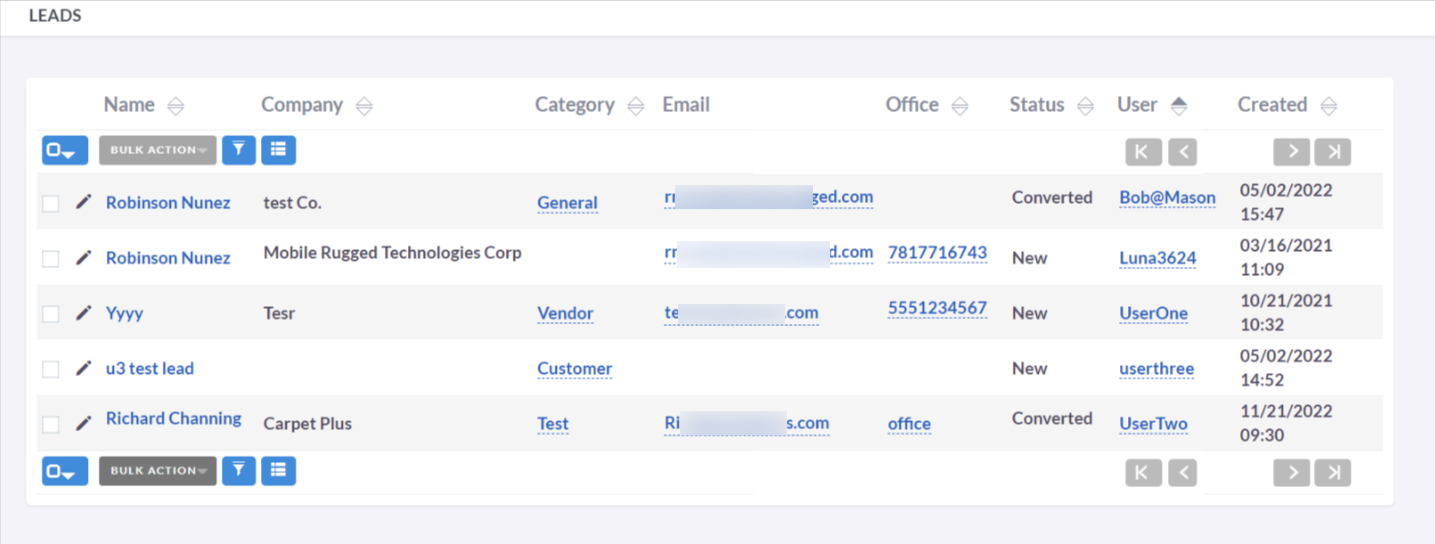
- Clicking on any sortable column title in the Leads List View will sort the records in either ascending or descending order.
- For information on how to search for a Lead, please refer to the Search section of this user guide.
- Clicking on the Lead Name in the List View will open the record in Detail View, allowing you to view its details.
- To make changes to the Lead details, click the Edit button in the Actions menu within the Detail View or the pencil/edit button in the List View, make the necessary modifications, and then click Save.
- To create a duplicate Lead, click on the Duplicate button in the Actions menu within the Detail View, edit the duplicate record, and then save it.
- To delete a Lead record, go to the Detail View of that lead and select Delete from the Actions menu.
Converting a Lead
When sufficient information is obtained about a Lead, it can be advanced to the next Sales stage and converted into a Contact or Opportunity. To initiate the conversion process, open the Detail View of an individual Lead by clicking on its record. Then, click the arrow located next to the Actions button and select 'Convert Lead' from the drop-down menu as shown in the image:
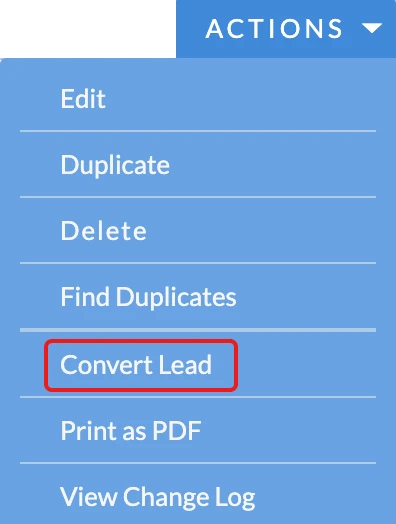
After clicking the 'Convert Lead' button, you will be directed to the Convert Lead page.
Converting a Lead to a Contact
This page allows you to either create a new contact or select an existing one.
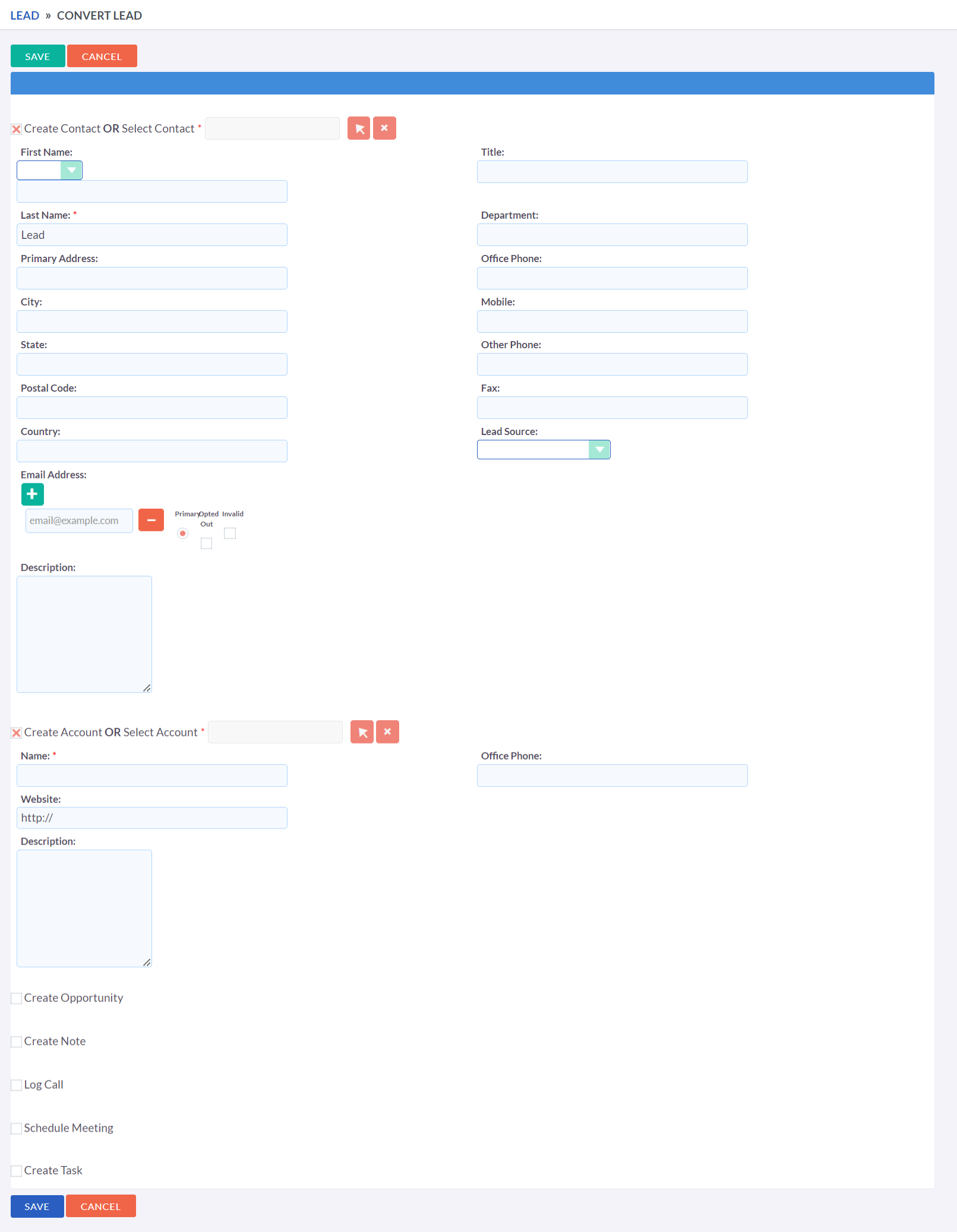
If you uncheck the checkbox next to 'Create Contact', you can associate the Lead with an existing Contact. However, in most cases, there won't be an existing Contact to associate with, so you should make sure to select the Create Contact checkbox. Certain fields will automatically be filled in with information from the Lead. Complete the remaining relevant fields and move on to the next stage below to convert the Lead into an Opportunity.
Convert a Lead to Opportunity
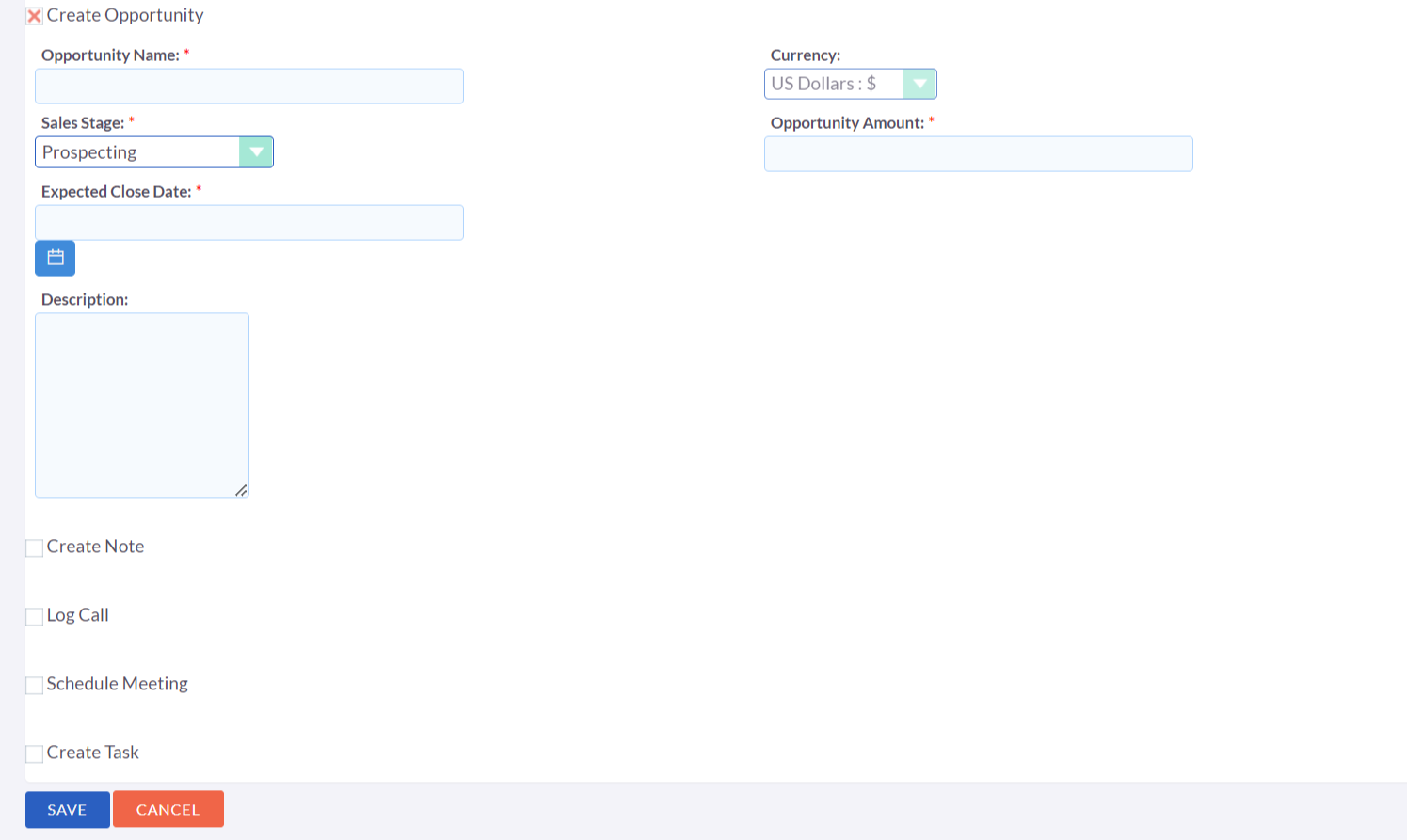
Other Lead Conversion Options
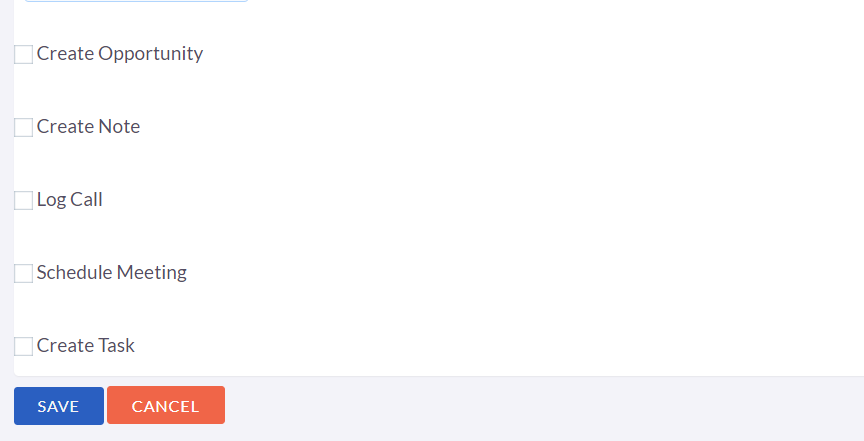
In a similar manner as Contacts and Opportunities, you can create
other records when converting a Lead.
Once you have finished filling out the necessary fields, click on the
'Save' button to save and confirm the changes.
Duplicate Record Check
When converting a Lead, BostelCRM will automatically check for any duplicate records and will return a warning if a matching record is found.
