Logging In
Logging into the Application
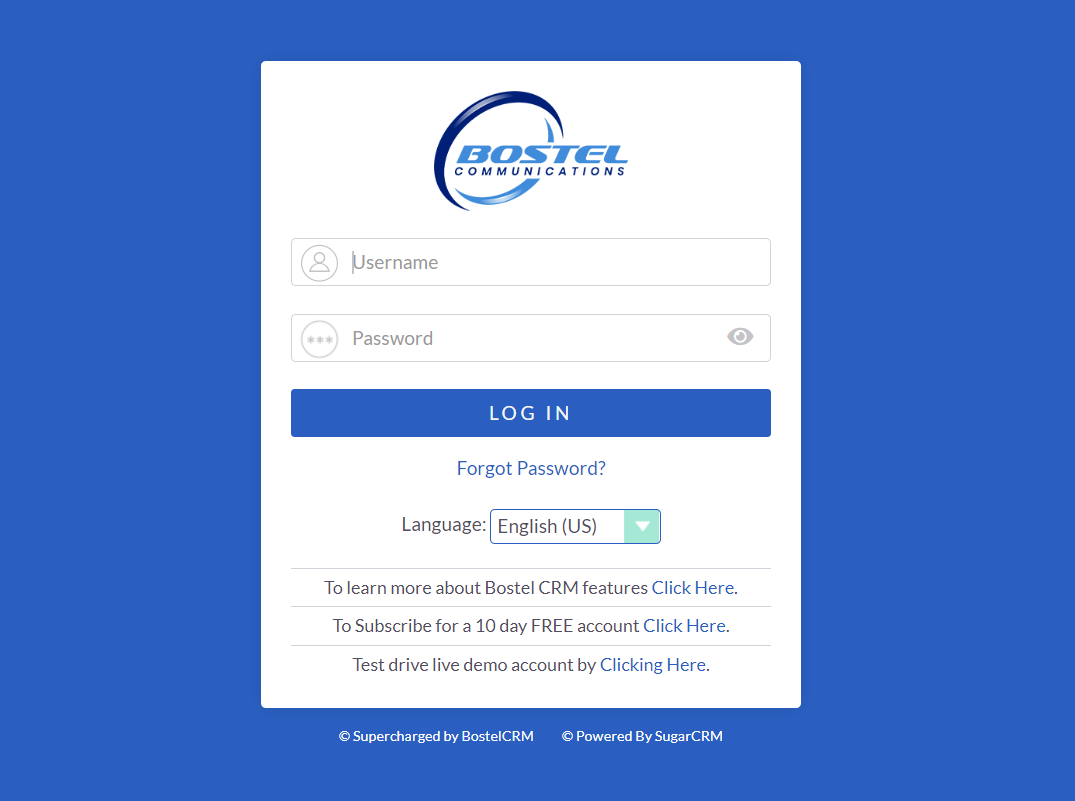
To get started, you will need to log in to your account using the Username and Password provided to you upon joining our services.
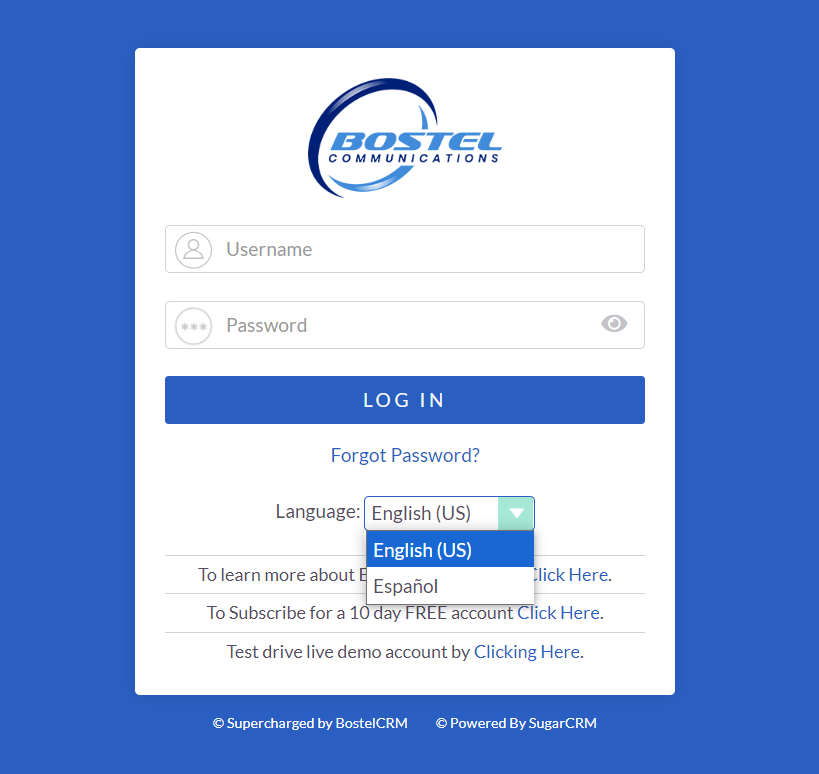
Click on the language selector to reveal the list of available languages. Select the language that you wish to use from the list provided.
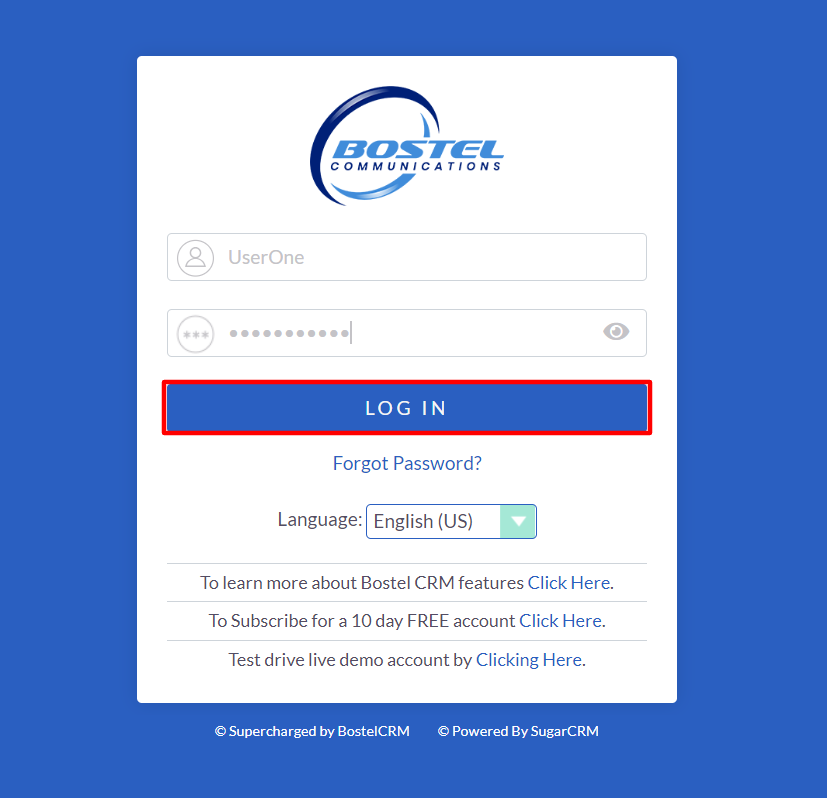
After selecting your language and entering your user credentials, simply click on the "Log in" button to access the CRM.
Forgot Password
In case you forget your password and are unable to access your CRM user account, you can use the 'Forgotten Password' feature to receive a password reset link to the email address linked to your user account.
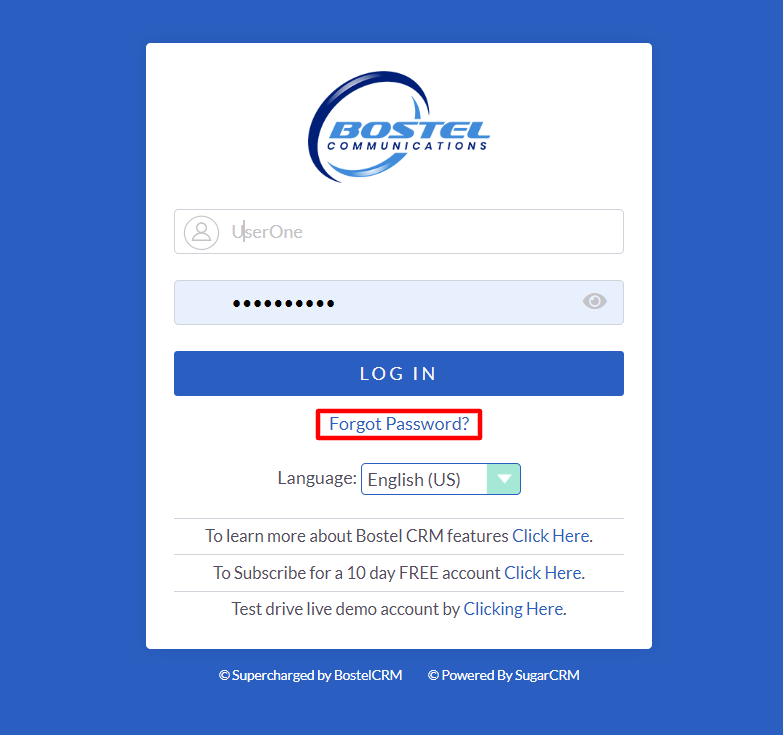
To access this feature, click on the 'Forgot Password?' link on the login page, which will direct you to the forgotten password form.