Notes
BostelCRM's Notes module is designed to enable Users to maintain an internal record of their organization's comments, observations, or explanations. Additionally, Users can use Notes to keep track of interactions with Customers about Cases, or to document information related to other BostelCRM records like Contacts, Leads, and more.
Notes Actions
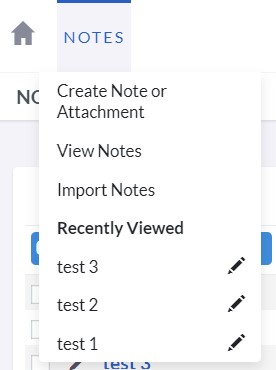
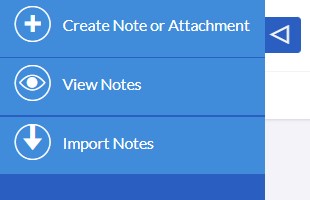
The Notes module menu dropdown or Sidebar provides access to the Notes actions, which include:
-
Create Note or Attachment
By accessing the Edit View, you can create a new Note record (including attachment) through a newly opened form.
-
View Notes
You will be directed to the List View of the Notes module, which enables you to search for and list Note records.
Managing Notes
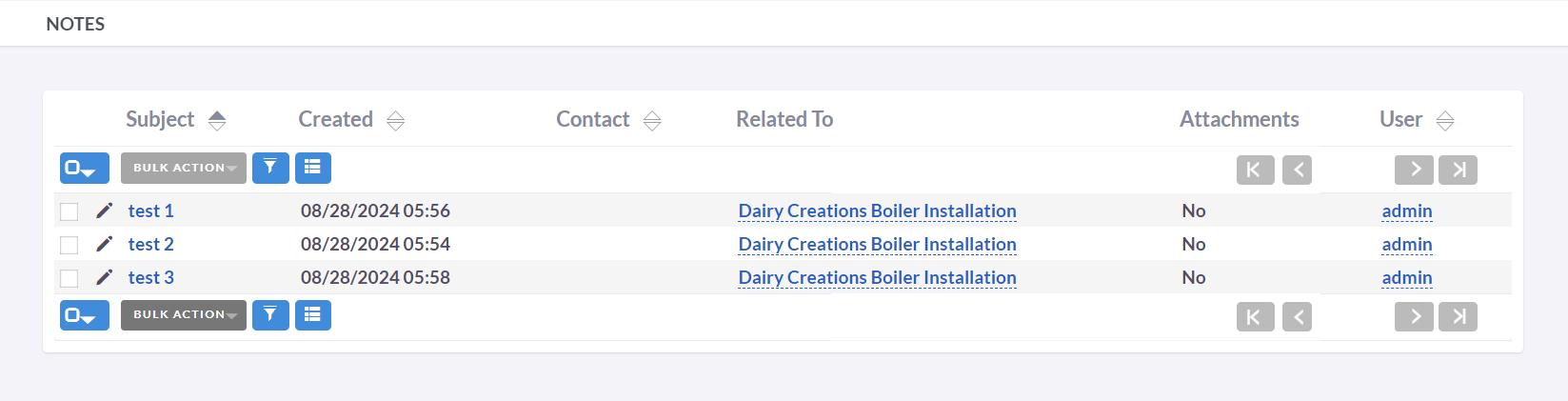
- Click on any sortable column title in the Notes List View to sort records in ascending or descending order.
- Refer to the Search section of the user guide to search for a specific Note.
- Click on the Meeting Subject in the List View to access the details of a specific Meeting in the Detail View.
- To duplicate a Note, select the Duplicate button in the Detail View's Actions tab, and then save the duplicate record.
- To delete a Note, go to the Detail View for the Note, select the Delete button in the Actions tab, and confirm.
- Click on the Note Subject in the List View to access the details of a specific Note in the Detail View.
- To modify the Note details, use the Edit icon in the List View, or select the Edit button in the Actions tab of the Detail View, make the necessary changes, and Save the updated record.