Payment Configs
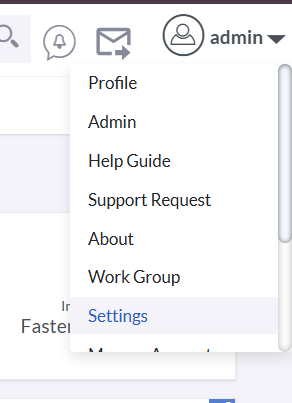
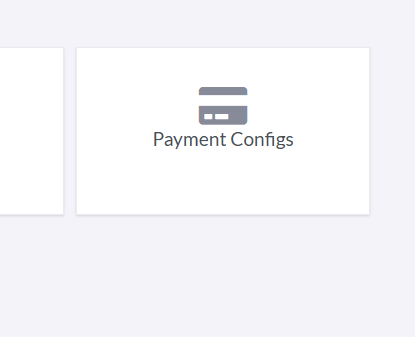
BostelCRM provides a comprehensive Payment Configs module to define, manage, and apply payment settings for your transactions. You can configure payment types, payment gateways, and various transaction settings that can be used across your CRM system. To access the Payment Configs module, click on the Setting in profile menu in the right side.
Payment Configs
Managing Payment Configs
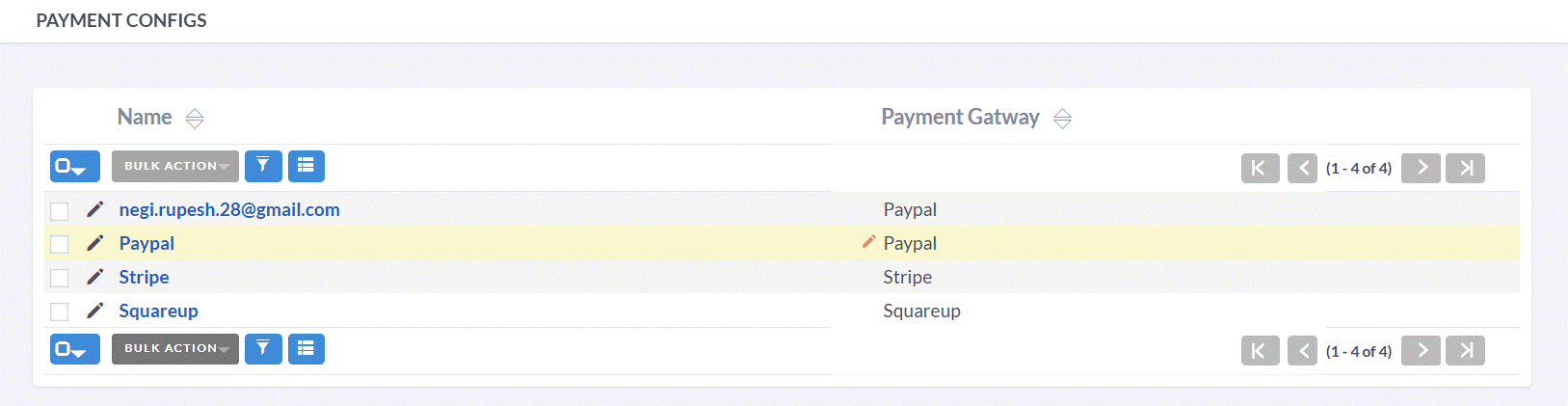
- Click any sortable column header in List View to sort payment configs in ascending or descending order.
- Use the search bar to find payment configs by name, payment gatway, or related entities.
- To see full details of a payment config, click its name in List View to open the Detail View.
- In Detail View, click "Edit" to update payment configuration information. Alternatively, use the pencil icon in List View.
- To create a duplicate payment config, open Detail View and select "Duplicate" from the actions menu, then modify and save.
- To remove a payment config record, select "Delete" from the Detail View actions menu.