Restore Records
The Restore Records module allows Users to review and manage records that have been removed from various modules, including Leads, Contacts, Emails, Cases, Calls, Tasks, Meetings, Notes, Opportunities, Quotes, and Invoices. This module is essential for auditing and restoring records when necessary.
Accessing Restore Records
You can access the Restore Records module through the view workgroup actions menu. Follow these steps to restore a Restore record:
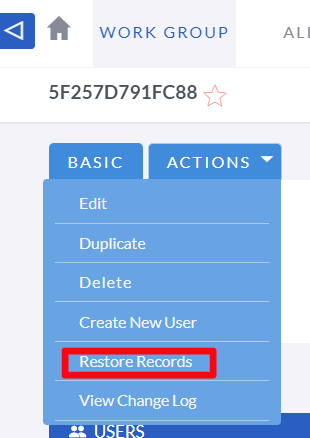
Overview of Restore Records
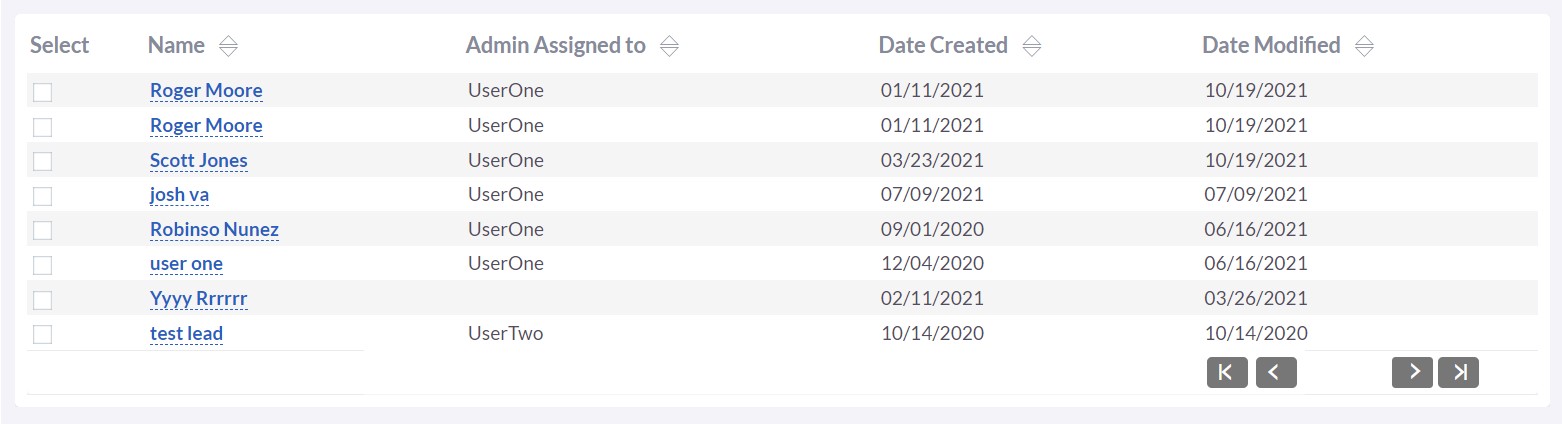
The Restore Records module provides a comprehensive view of all records that have been deleted. Users can access details such as the record name, the user who was assigned to the record, and the dates when the record was created and modified.
Managing Restore Records
-
View Restore Records
Navigate to the module to see a list of all Restore records.

-
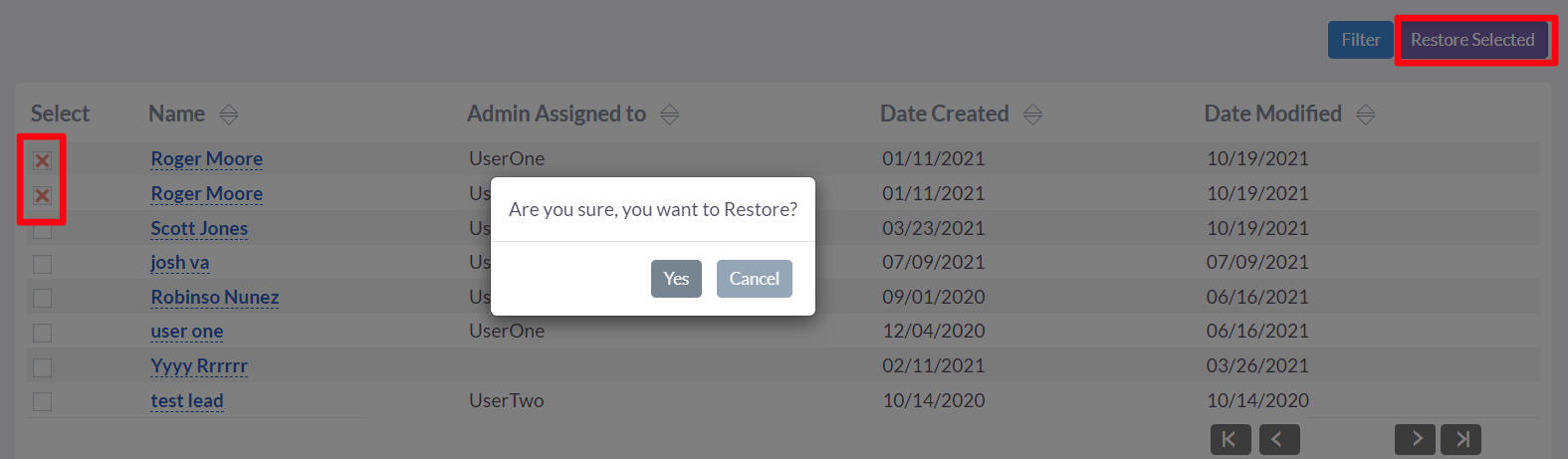
Restore Records
To restore a removed record, select the record from the list and use the Restore option available in the module's Actions menu.
-
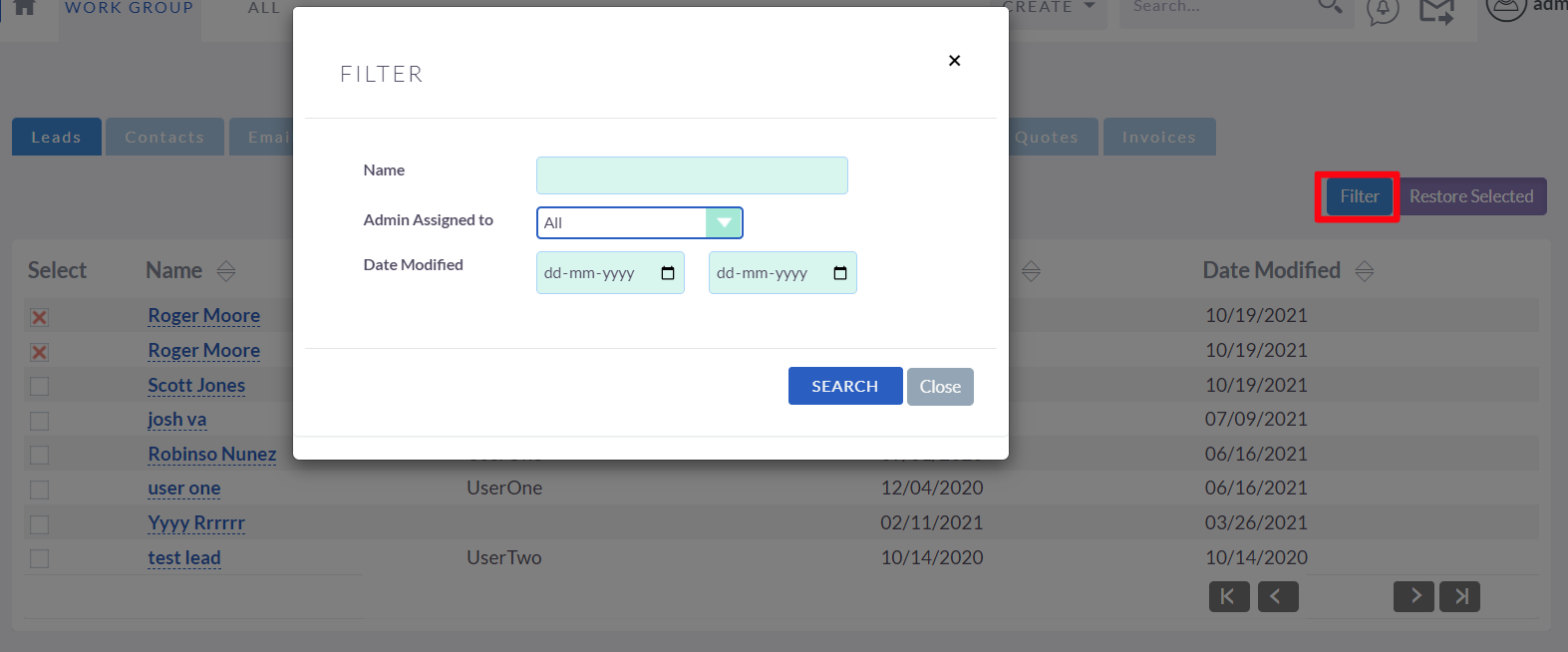
Search and Filter
Use the search and filter options to quickly locate Restore records based on various criteria such as Name, Admin Assigned To, and Date Modified. Click the "Filter" button to open a modal with the filtering options.